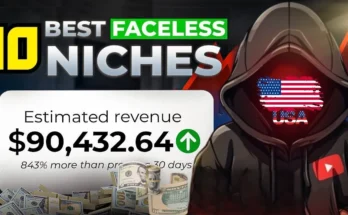
How to Find the Best Niches on YouTube That Make the Most Money
Today you’re going to learn how you can find the best niches on YouTube that are going to make the most amount of money and how, once you find that niche, you can get right into making content without wasting any time.
For this, we’re going to be using Tube Gen’s Niche Finder, which is insane. It scrapes every single video off of YouTube. Then you can go to the filters tab here, and you can filter by pretty much whatever you want.
Step 1: Using Tube Gen’s Powerful Filters
Let’s say we want to use channels that started between March 1st and today. We’ll do faceless channels only. That’s right — you can sort by faceless channels only. You can even sort by monetized channels. We’ll do English and long form videos.
You can choose the content quality, which Tube Gen’s AI detects. You can even sort by high quality niches or low-quality spam niches. Let’s make the medium views 100,000 per video and set the average view duration between 8 and 20 minutes long. Then we just apply the filters.
Step 2: Sorting for the Most Profitable Channels
Now, we can sort this by average views. You could also sort by recency, subscriber count, or how new the channel is.
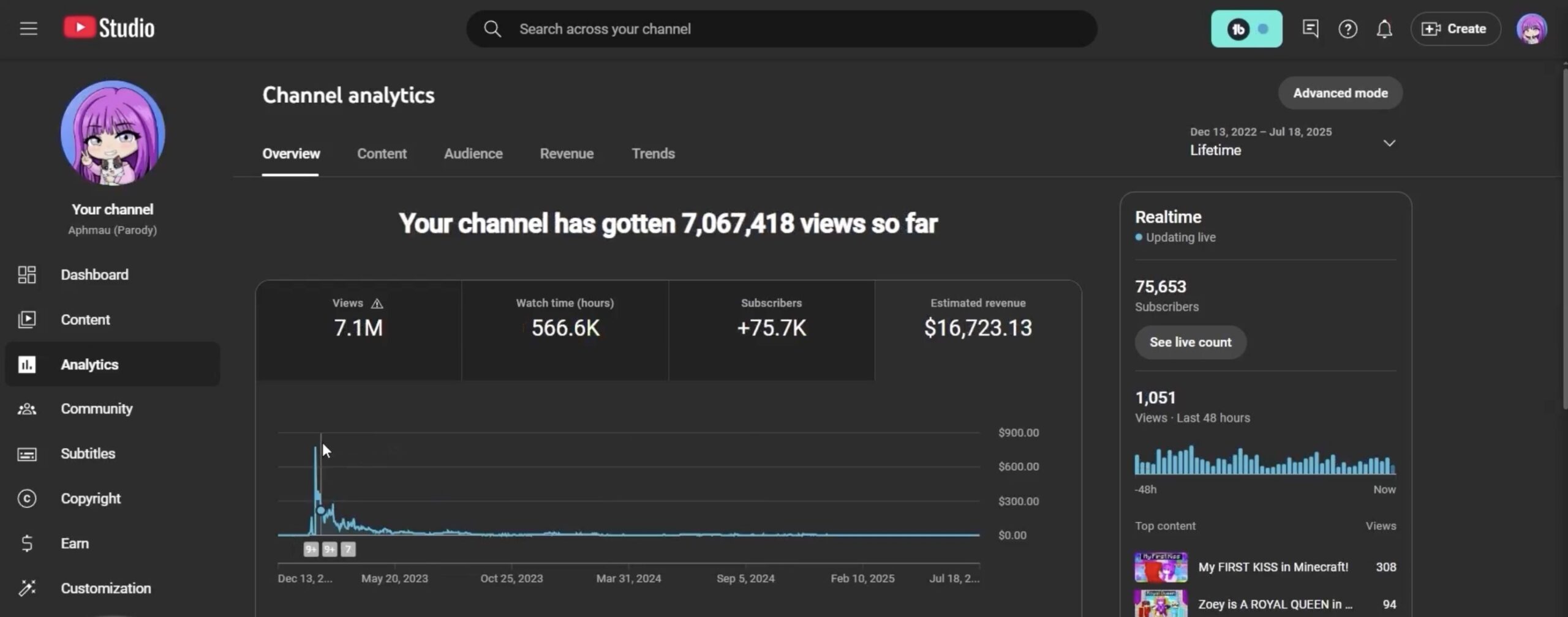
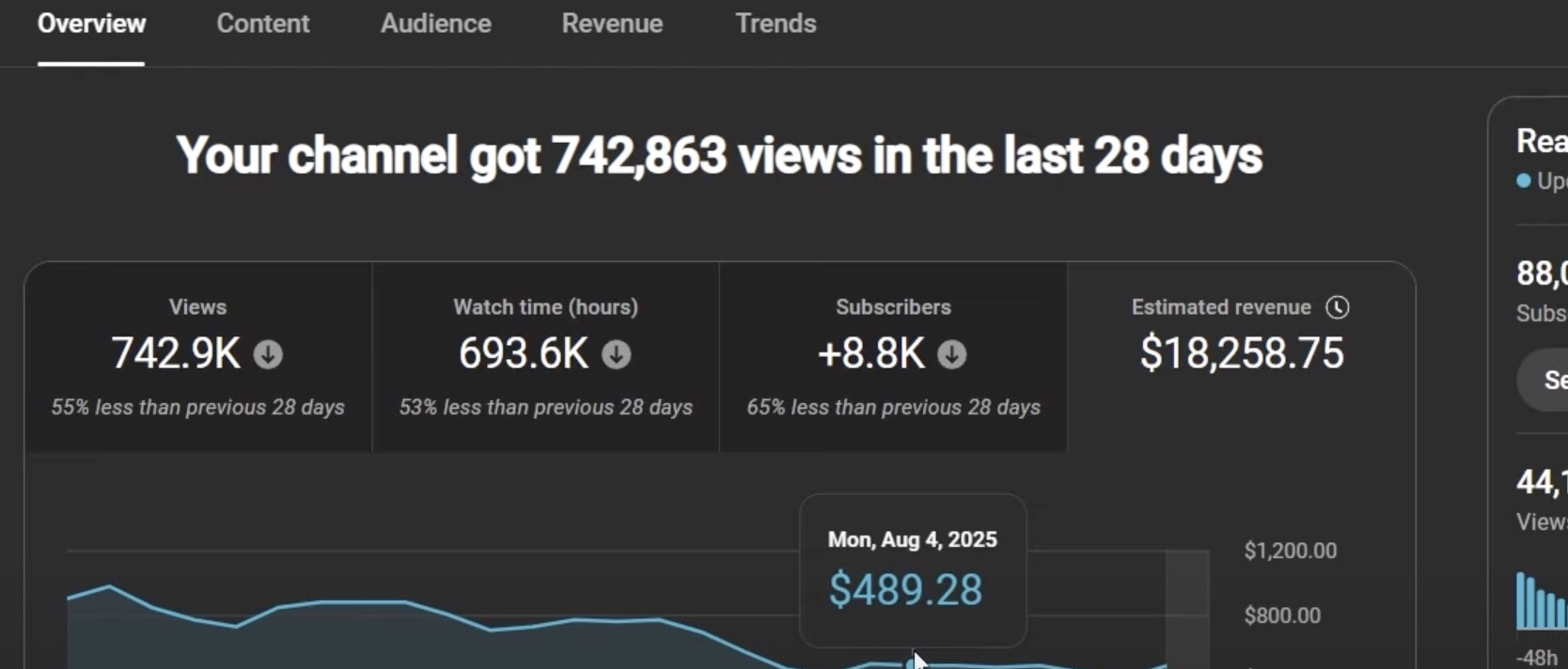
For example, the top result is a channel called Artium. This channel started 5 months ago and is getting crazy views — 3.3 million views per video. Doing the math, they’re making between $15,000 and $20,000 per video.
Another channel, LOU, started 4 months ago with only three videos and is getting around 600,000 views per video. Both are in a similar niche: 3D renders. And the secret? You can create these using AI!
Step 3: Leveraging AI for Channel Research
The AI tool that makes this possible is called Tubeen AI. It allows you to research niches, copy styles, and generate scripts easily.
You can click on “Similar Channels” to pull up competitors in the niche. Or use the “Copy Style” feature to scrape all their video titles and transcripts, then feed them into Tube Gen AI to create an AI script writer that matches their style and voice.
Step 4: Creating Scripts and Voiceovers Automatically
Once you press the “Copy Style” button, Tube Gen selects the best videos, matches a similar voice, and prepares everything for you. You can tweak the voice speed, tone, and settings, but it’s ready to go without adjustments.
To generate video titles, go to Tools → Generate Title by Channel URL. Tube Gen will scrape the most popular videos from your target channel and suggest trending titles. For example: The Strange Power Behind the CIA Psychic Spy Program.
Turn on web search for research-heavy topics, then press “Generate” to get your script in under a minute.
Step 5: Generating Images and Animations
After generating the script and voiceover, you can create visuals. Tube Gen lets you pick from styles like 3D Model or Low Poly, or even upload your own. You can change the aspect ratio for YouTube Shorts or regular videos.
Once you choose your style, press “Animate” and Tube Gen will generate all your scenes. In this example, 104+ images were created automatically. Then, simply import the audio and animations into your video editor, and Tube Gen will time everything perfectly.
Step 6: Creating Descriptions and Thumbnails
Tube Gen also generates video descriptions for SEO. For thumbnails, use its AI Thumbnail Generator. You can upload or paste a thumbnail link from a competitor, customize the colors, and adjust similarity percentage to create unique but effective thumbnails.
For example, instead of a “large blue sphere” in bright yellow, you could make it a “large yellow sphere” with a bright red arrow — instantly making your thumbnail eye-catching and click-worthy.
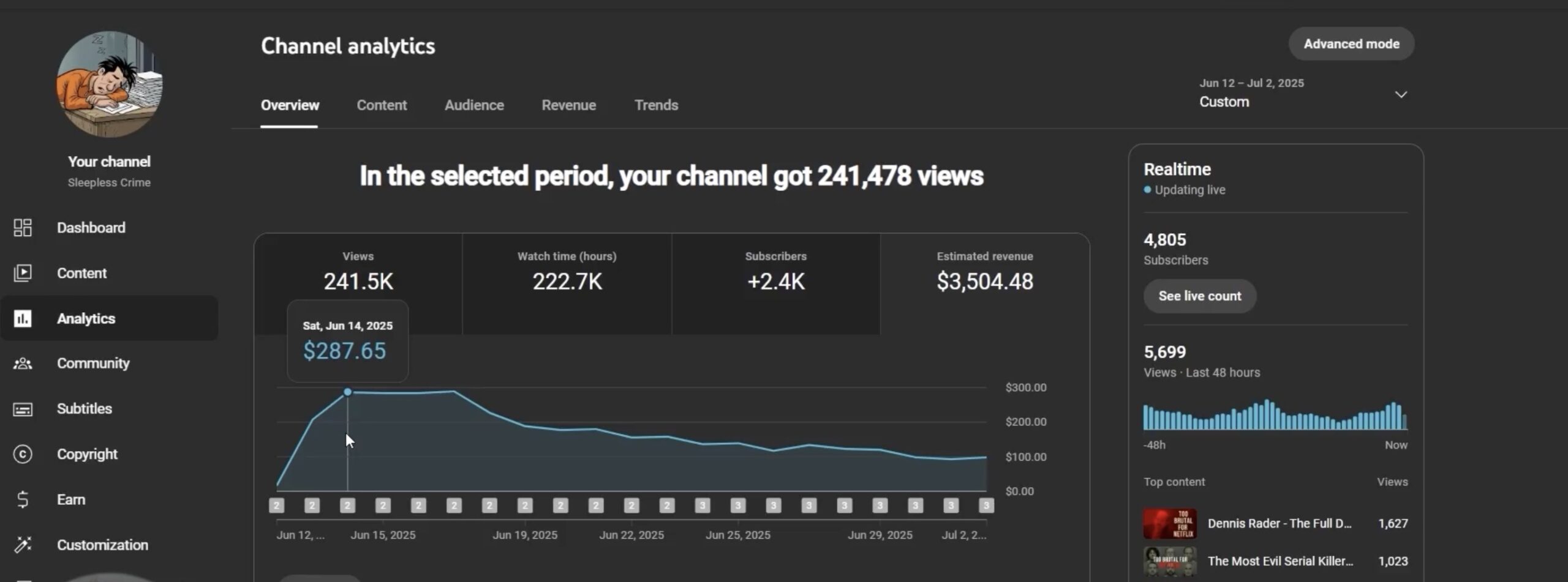
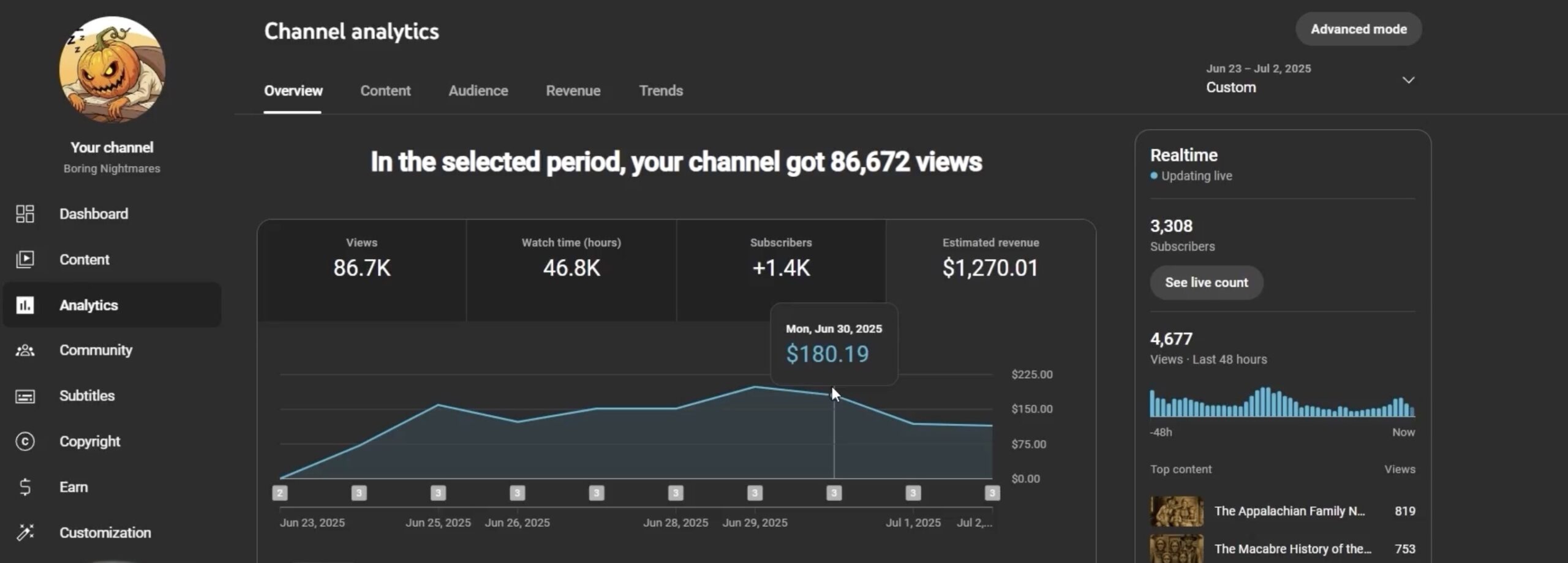
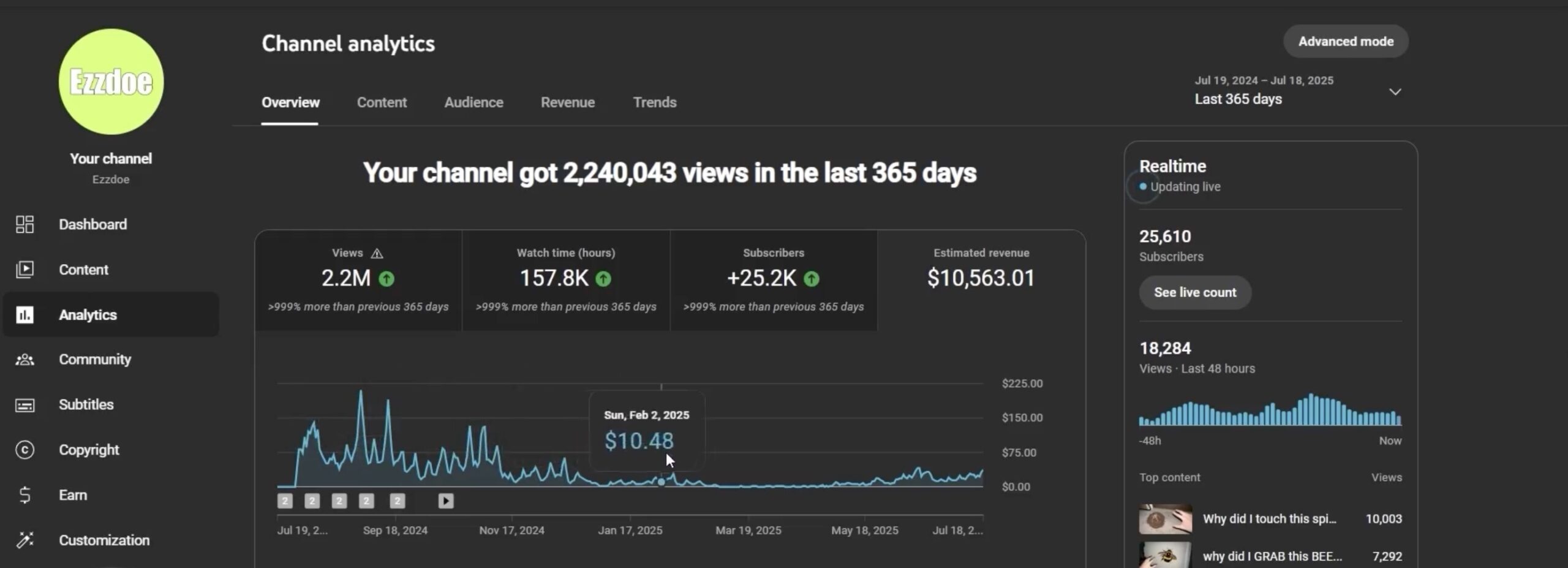
Final Thoughts
With Tube Gen AI, you can go from niche research to a fully produced YouTube video in under 5 minutes. From scripts to voiceovers, animations, and thumbnails — it’s all automated.
If you want to try it out, check Tube Gen and Tubeen AI. These tools are game-changers for faceless YouTube automation channels.