How to Create a Viral AI Actor for Facebook & TikTok Ads That Convert
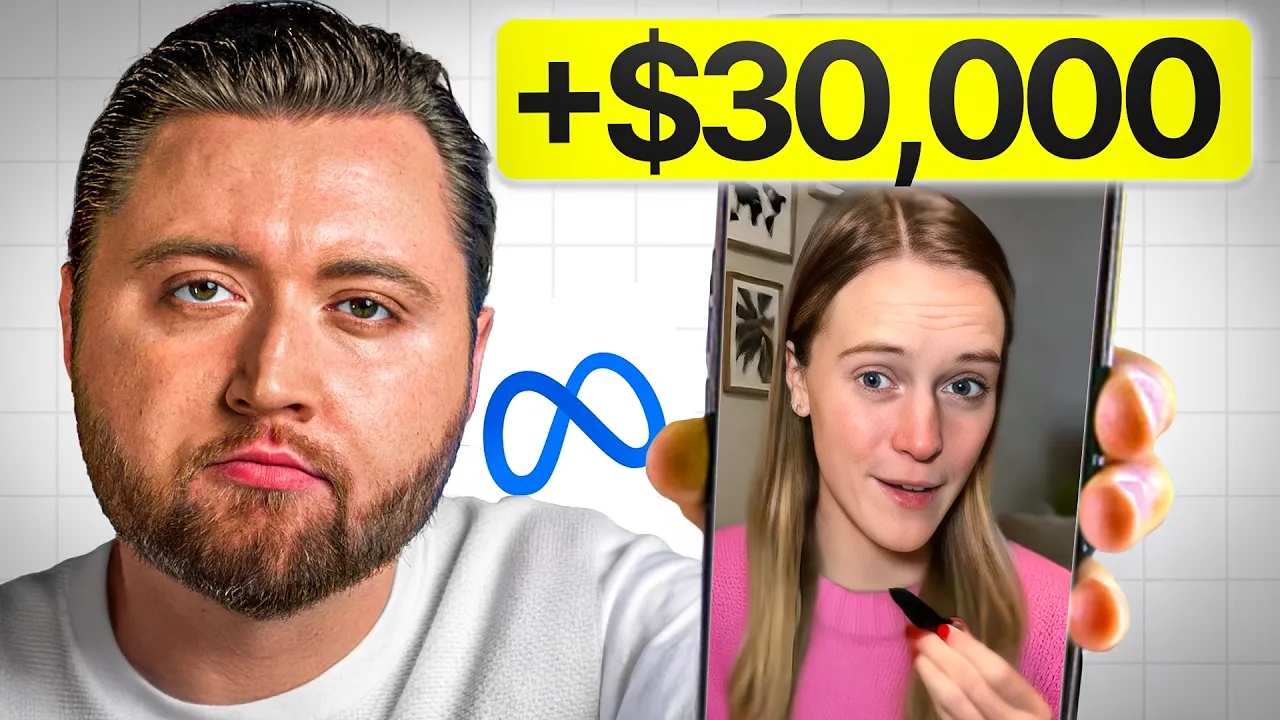
Artificial Intelligence (AI) is revolutionizing how we create and promote content. One of the most exciting developments is the ability to generate ultra-realistic AI actors that can promote your products on Facebook Ads and TikTok Ads — without ever hiring a human creator. This method is perfect for eCommerce entrepreneurs, digital marketers, and agencies who want engaging content that converts, but without the production headaches.
In this guide, you’ll learn step-by-step how to turn a simple product image into a talking AI actor that can deliver authentic, high-converting promotional videos for your brand.
Why AI Actors Are Game-Changers for Marketing
Hiring UGC creators can be expensive, time-consuming, and inconsistent. AI actors solve this by allowing you to:
- Create content on demand, 24/7
- Ensure brand consistency across multiple campaigns
- Test multiple ad variations quickly
- Save thousands in production costs
The best part? The audience can barely tell it’s AI, especially when you use realistic visuals, natural speech patterns, and high-quality scripting.
Step 1: Start with a High-Resolution Product Image
The foundation of your AI actor campaign is a clean, high-resolution image of your product. This could be:
- An image for your own eCommerce store
- A product shot for a client
Make sure the product is clearly visible, well-lit, and that any text or labels remain untouched — AI tools can accidentally change this, so keep an eye out.
Step 2: Generate a Natural Scene Using AI
Head to ChatGPT-4o and use a carefully written prompt. For example:
“Create an image of a girl on a podcast with the product sitting in front of her on the table. Do not alter or remove any text or labels on the product. Keep the image bright, lively, and realistic.”
This “podcast” setting gives your AI actor a relatable, conversational environment, perfect for social media ads.
Step 3: Refine the Image
If the background looks too dark or the aesthetic doesn’t fit, prompt the AI to make adjustments. Bright, vibrant backgrounds work best for TikTok and Facebook ads because they grab attention quickly. Keep refining until you have the perfect balance of realism and product focus.
Step 4: Turn the Image into a Talking AI Actor
Upload your final image into an AI video tool such as D-ID or Synthesia. These platforms allow you to create a speaking avatar from a static image.
When setting up your AI actor:
- Choose a natural-sounding voice that matches your target audience.
- Adjust style exaggeration so the actor uses hand gestures and facial expressions without looking over-animated.
- Set speed and tone for a conversational feel.
Step 5: Write an Authentic Script
Authenticity is key. Instead of a generic pitch, make your AI actor speak as if they’re sharing a personal experience. For example, for the “Rainbow Dust Starter Kit” by Space Goods, the script could be:
“Something I’ve been loving lately — and honestly wasn’t expecting — is the Rainbow Dust Starter Kit from Space Goods. I started using it a few months ago because I wanted to cut back on coffee but still have something that helps me focus without feeling jittery. Now, it’s part of my daily routine.”
By weaving in personal, relatable moments, the ad feels less like a sales pitch and more like a recommendation from a friend.
Step 6: Render and Adjust the AI Video
Once your AI video is generated, review it closely. Watch for any awkward eye movements, unnatural pauses, or lip-sync mismatches. If needed, tweak the script, change the voice, or regenerate the scene.
It’s also smart to create multiple variations of the same ad — different actors, different backgrounds, and slightly different scripts — to run A/B tests.
Step 7: Format for Social Media Ads
For TikTok, Instagram Stories, and Facebook Reels, use a 9:16 vertical format. Many AI tools default to 1:1, so adjust your canvas size accordingly.
You can use CapCut or Adobe Premiere Pro to:
- Add captions (important for viewers watching without sound)
- Overlay your product website or call-to-action
- Insert B-roll product shots for variety
Step 8: Launch and Test Your Ads
Upload your AI-generated video to Facebook Ads Manager or TikTok Ads Manager. Start with a small daily budget to test performance. Watch key metrics such as click-through rate (CTR), cost-per-click (CPC), and conversions. Scale the ads that perform best.
Final Thoughts
Creating AI actors for product promotion isn’t just a fun experiment — it’s a powerful, scalable marketing strategy. You can produce professional-looking ads in hours instead of days, test multiple variations, and keep your creative pipeline full without relying on human creators.
With the right script, visuals, and targeting, AI actors can boost your sales while saving you time and money. As AI technology continues to evolve, marketers who embrace these tools now will have a massive competitive edge.
Pro Tip: If you want to explore advanced eCommerce funnels, ad strategies, and AI content creation tools, check out:
- Shopify for building your store
- Meta Business Suite for Facebook Ads
- TikTok For Business for TikTok Ads